Downloads
| Loading... |
Installation Instructions
These are installation instructions for the latest version of TTB - these will not work for classic 1.12.
- Download the data pack from a link above. It should be a
.zipfile. - Unzip the file.
- Open Minecraft.
- Select the world you want to install the data pack for, click on "
Edit", then "Open world folder". - Open the folder named
datapacks, and dragttb_datafrom the unzipped folder into it. - Enter the world.
- Type
/reloadin the chat. If you do not have cheats enabled, pressEsc, click on "Open to LAN", set "Cheats" to "Enabled", and confirm. - After a few seconds, you should see a message in the console or in chat saying
[TTB] Loaded, confirming that the pack is installed. - From the main menu, click on "
Options", then "Resource packs", then "Open resource pack folder". - Drag
ttb_resourcesfrom the unzipped folder into it. - Click "
Done" in the resource packs menu, then go back into it. - Enable the resource pack named
ttb_resources.
Data Pack
Resource Pack
Data Pack
- Download the data pack from a link above. It should be a
.zipfile. - Unzip the file.
- Open your server folder, then open
world. - Open the folder named
datapacks, and dragttb_datafrom the unzipped folder into it. - Type
/reloadfrom the console or as an operator if the server was running during the installation. - After a few seconds, you should see a message in chat saying
[TTB] Loaded, confirming that the pack is installed.
Resource Pack
-
Download the latest resource pack
from
GitHub.
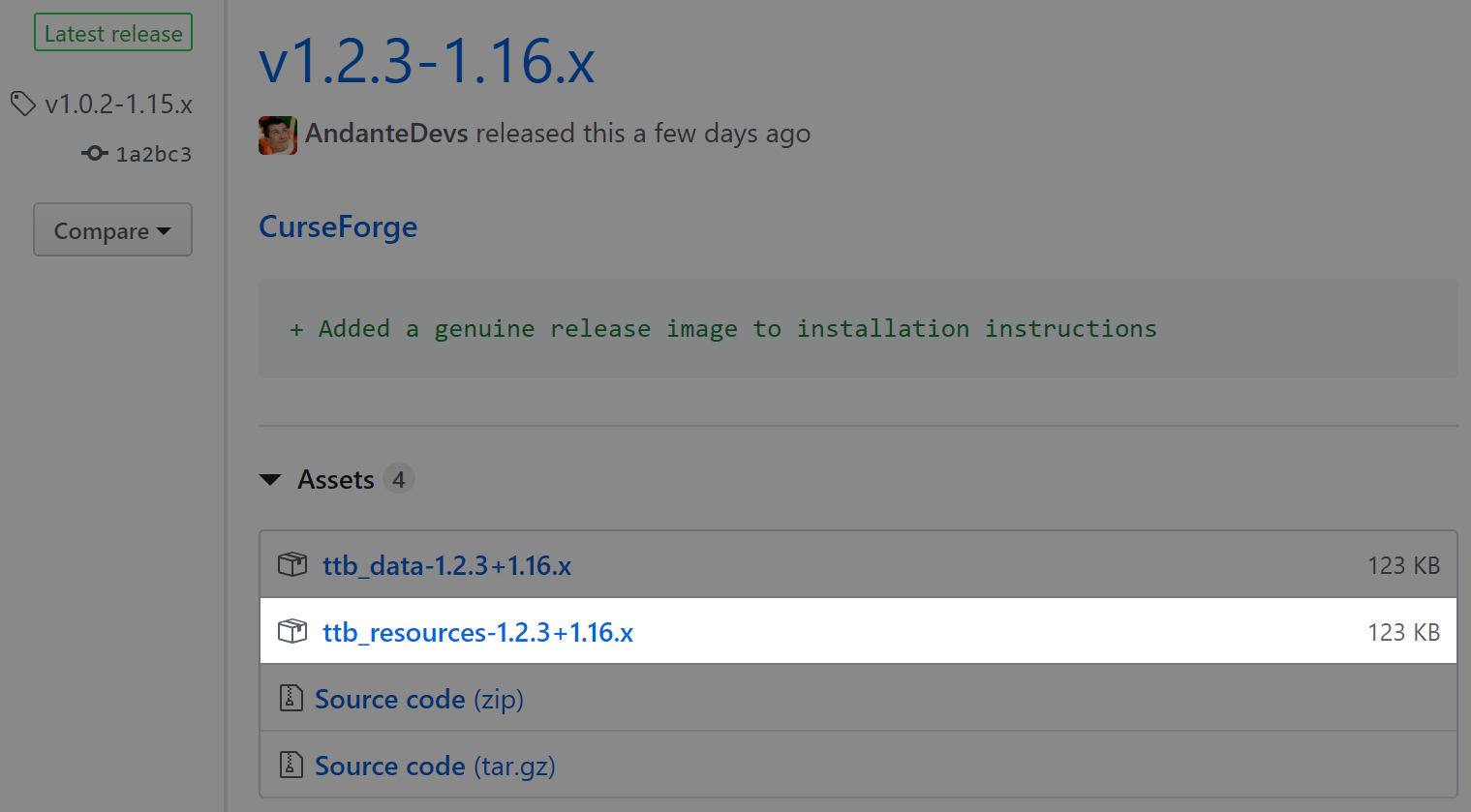
- Head to mc-packs.net and upload the downloaded ZIP file
- Modify your
server.propertiesfile as mc-packs.net shows
License
This project is covered by the MIT License.